
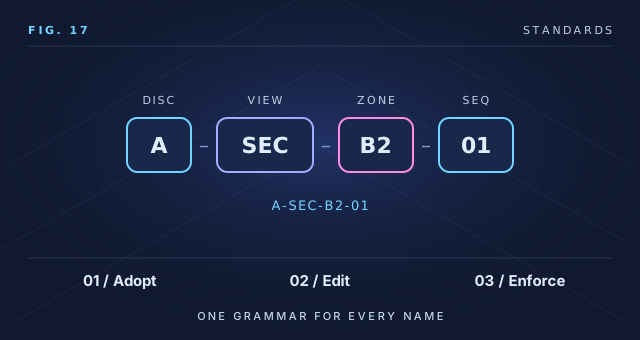
Revit Naming Standards Kit
$73 one time
Single-user license. Firm license $363 for everyone in one organization.
One-time price in USD. Download link by email immediately after checkout.
Standards / Naming
One naming convention for families, types, views, sheets, worksets, parameters and files – with a workbook that checks names against it.
$73 one time
One-time price in USD, instant download. A self-guided resource, not consulting, certification or professional advice.
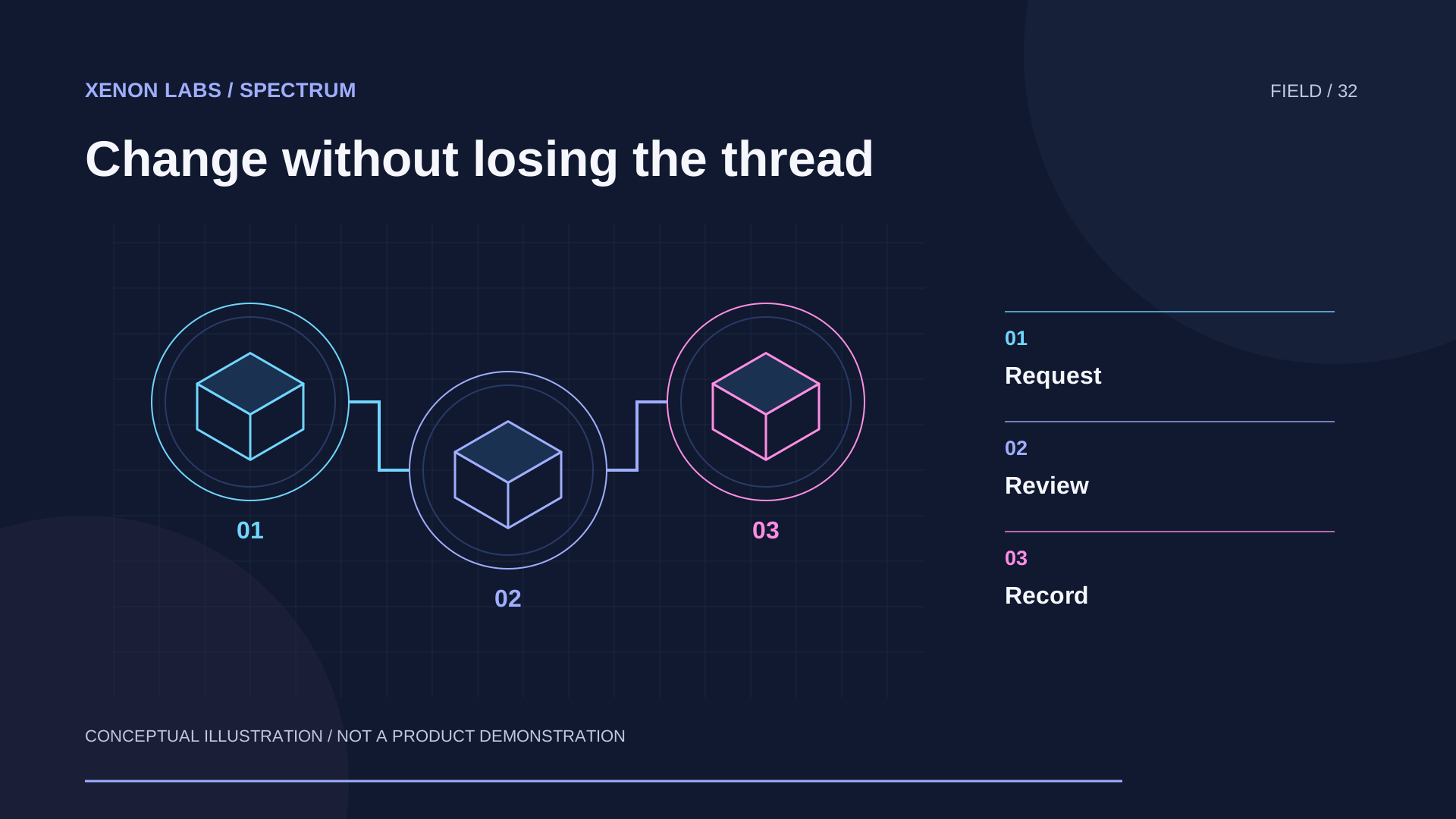
The visual field / Xenon Labs
Keep a change connected to its owner, review and resulting version.
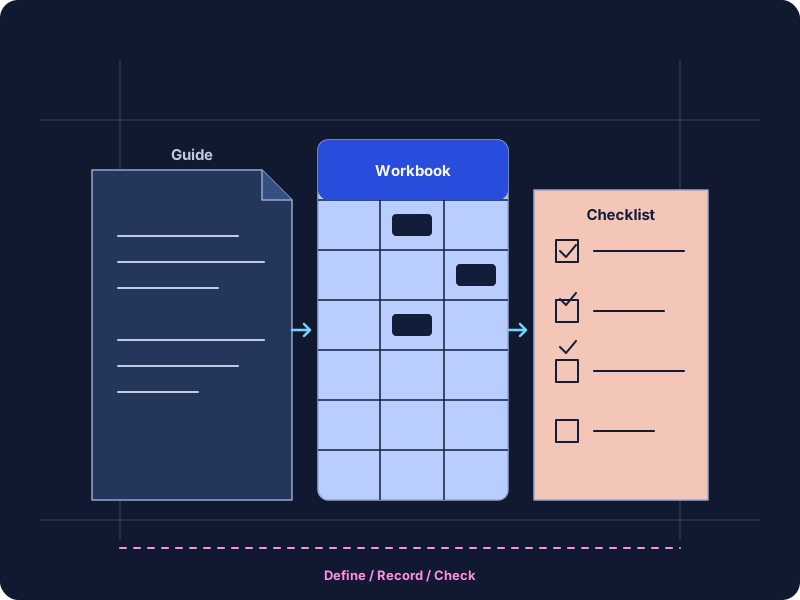
Inconsistent names make content hard to find, schedules hard to filter and scripts hard to trust. This kit gives you a written naming convention you can adopt or adapt, and an Excel validator that checks lists of names against your own codes and rules. Paste in a list of family, view or sheet names and the workbook flags spaces, wrong field counts, unknown discipline codes, forbidden characters and duplicates.
Single-user license; firm license available. Full terms are in LICENSE.txt, included with the download.
Revit is not required to open or use the kit. The validator checks text you paste; it does not read or change Revit files. Characters that Revit rejects vary by element type and version and are marked for checking in the guide.
$73 one time
Single-user license. Firm license $363 for everyone in one organization.
One-time price in USD. Download link by email immediately after checkout.
No. It is an original, practical convention written by Xenon Labs. If your client or country requires a published standard, follow that and use the workbook to check names against its codes.
Yes. The Codes and Rules sheets drive every check, and the examples are meant to be replaced.
No. It checks names you paste in. Renaming is done in Revit or with your own tools.
Up to the number of formula rows provided on the Name Check sheet, described on the Start Here sheet. Split very long lists into batches.
Free guide
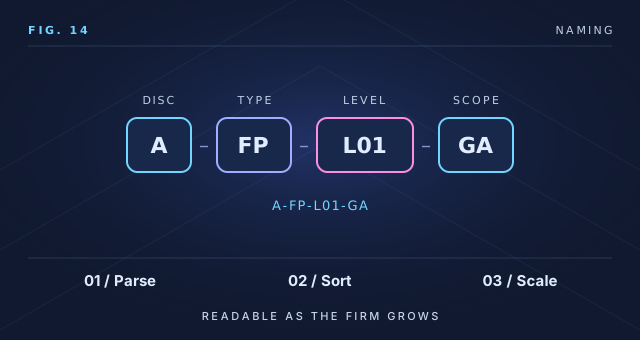
A practical approach to Revit naming conventions for files, views, sheets, families, types, parameters and worksets, with patterns, separators, abbreviations and rules for change.
Free guide
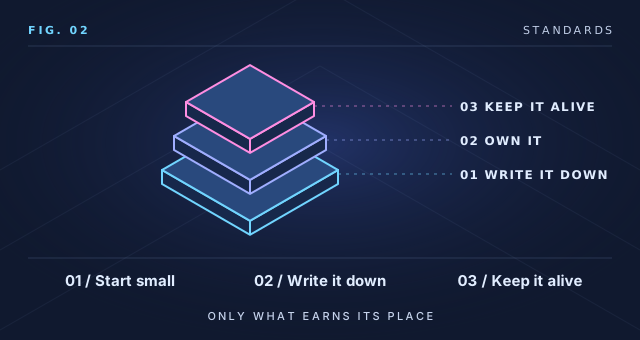
How small architecture and engineering firms can build a practical BIM standard: what to include first, how to keep it short, who owns it and how to grow it without bureaucracy.
Downloads are delivered right after checkout: you receive a receipt and a private download link by email. Links stay valid for 7 days and 5 downloads; email support@xenonlabs.ltd for a fresh one.
Each PDF is issued to the purchasing organization. Its document properties record the license, order reference and usage terms; printing is enabled and editing is restricted. Editable templates (CSV, Markdown, Excel) arrive unlocked for internal adaptation. Sharing outside your organization is not permitted.
Prices are in US dollars (USD). Taxes may apply. All sales are final and no refunds are given; see our refund policy. Buyers in the EU, EEA or United Kingdom are shown a withdrawal-right notice before checkout. Use of the resources is covered by our terms of service.
Offered by Xenon Labs LLC. This product is independent and is not affiliated with or endorsed by Autodesk.
Before checkout / Revit Naming Standards Kit: Buy now – $73
All sales are final. Xenon Labs does not offer refunds. Tell us where you are buying from so we can show the notice that applies to you before you continue to checkout.
Before checkout / Revit Naming Standards Kit: Buy now – $73
Consumers who buy online in the European Union, the European Economic Area or the United Kingdom normally have 14 days to withdraw from a contract without giving a reason (the cooling-off period). That right does not apply to digital content that is not supplied on a tangible medium once supply has begun with the consumer’s prior express consent and acknowledgement that the right is lost. This exception is set out in Article 16(m) of Directive 2011/83/EU on consumer rights, as implemented in each member state, and in regulation 37 of the UK Consumer Contracts (Information, Cancellation and Additional Charges) Regulations 2013.
This product is digital content that is not supplied on a tangible medium. Supply begins when your private download link is made available to you after payment.
By selecting “I agree, continue to checkout” you:
If the checkout asks you to confirm the same consent and acknowledgement, you must confirm it there as well. Your order confirmation email records your consent and acknowledgement. Payment may be processed by our checkout partner acting as merchant of record; its checkout terms also apply.
If you are buying for a business rather than as a consumer, the consumer withdrawal right does not apply and all sales are final. Nothing in this notice limits rights that cannot be excluded by law, including your remedies if the digital content is faulty or not as described.
Before checkout / Revit Naming Standards Kit: Buy now – $73
Xenon Labs digital products and subscriptions are final sale. No refunds, credits or exchanges are given, including for change of mind, accidental or duplicate purchases, or dissatisfaction. You may cancel a subscription at any time to stop future renewal charges; cancellation does not create a refund. See our refund policy and terms of service.
Nothing in this notice limits rights that cannot be excluded under the law that applies to you.
Before checkout / Revit Naming Standards Kit: Buy firm license – $363
All sales are final. Xenon Labs does not offer refunds. Tell us where you are buying from so we can show the notice that applies to you before you continue to checkout.
Before checkout / Revit Naming Standards Kit: Buy firm license – $363
Consumers who buy online in the European Union, the European Economic Area or the United Kingdom normally have 14 days to withdraw from a contract without giving a reason (the cooling-off period). That right does not apply to digital content that is not supplied on a tangible medium once supply has begun with the consumer’s prior express consent and acknowledgement that the right is lost. This exception is set out in Article 16(m) of Directive 2011/83/EU on consumer rights, as implemented in each member state, and in regulation 37 of the UK Consumer Contracts (Information, Cancellation and Additional Charges) Regulations 2013.
This product is digital content that is not supplied on a tangible medium. Supply begins when your private download link is made available to you after payment.
By selecting “I agree, continue to checkout” you:
If the checkout asks you to confirm the same consent and acknowledgement, you must confirm it there as well. Your order confirmation email records your consent and acknowledgement. Payment may be processed by our checkout partner acting as merchant of record; its checkout terms also apply.
If you are buying for a business rather than as a consumer, the consumer withdrawal right does not apply and all sales are final. Nothing in this notice limits rights that cannot be excluded by law, including your remedies if the digital content is faulty or not as described.
Before checkout / Revit Naming Standards Kit: Buy firm license – $363
Xenon Labs digital products and subscriptions are final sale. No refunds, credits or exchanges are given, including for change of mind, accidental or duplicate purchases, or dissatisfaction. You may cancel a subscription at any time to stop future renewal charges; cancellation does not create a refund. See our refund policy and terms of service.
Nothing in this notice limits rights that cannot be excluded under the law that applies to you.