
Revit Model Health Audit Kit
$60 one time
Single-user license. Firm license $300 for everyone in one organization.
One-time price in USD. Download link by email immediately after checkout.
Quality / Model health
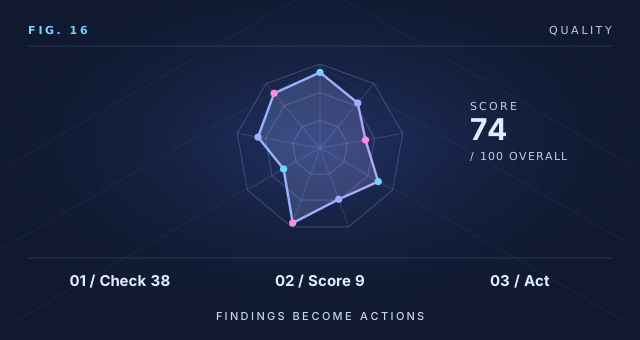
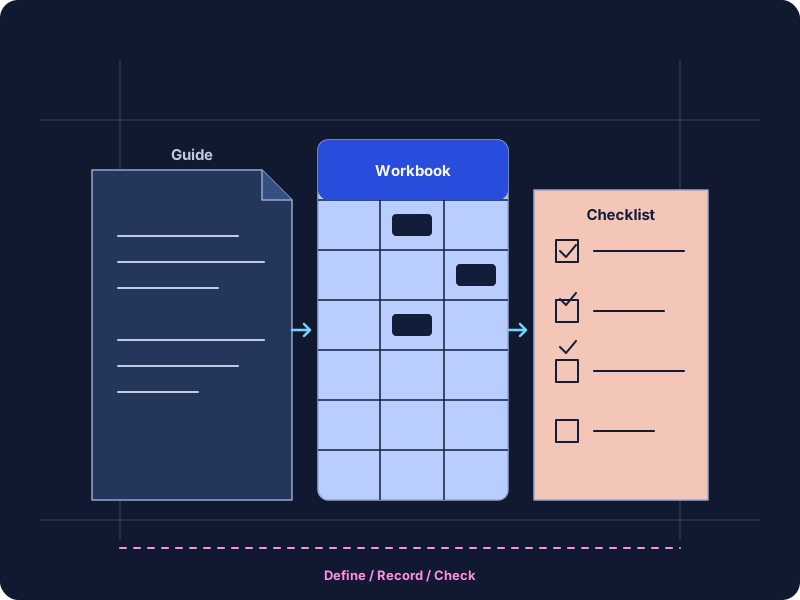
A repeatable 38-check audit method with a scoring workbook that turns findings into category scores, a status and an action list.
$60 one time
One-time price in USD, instant download. A self-guided resource, not consulting, certification or professional advice.
The visual field / Xenon Labs
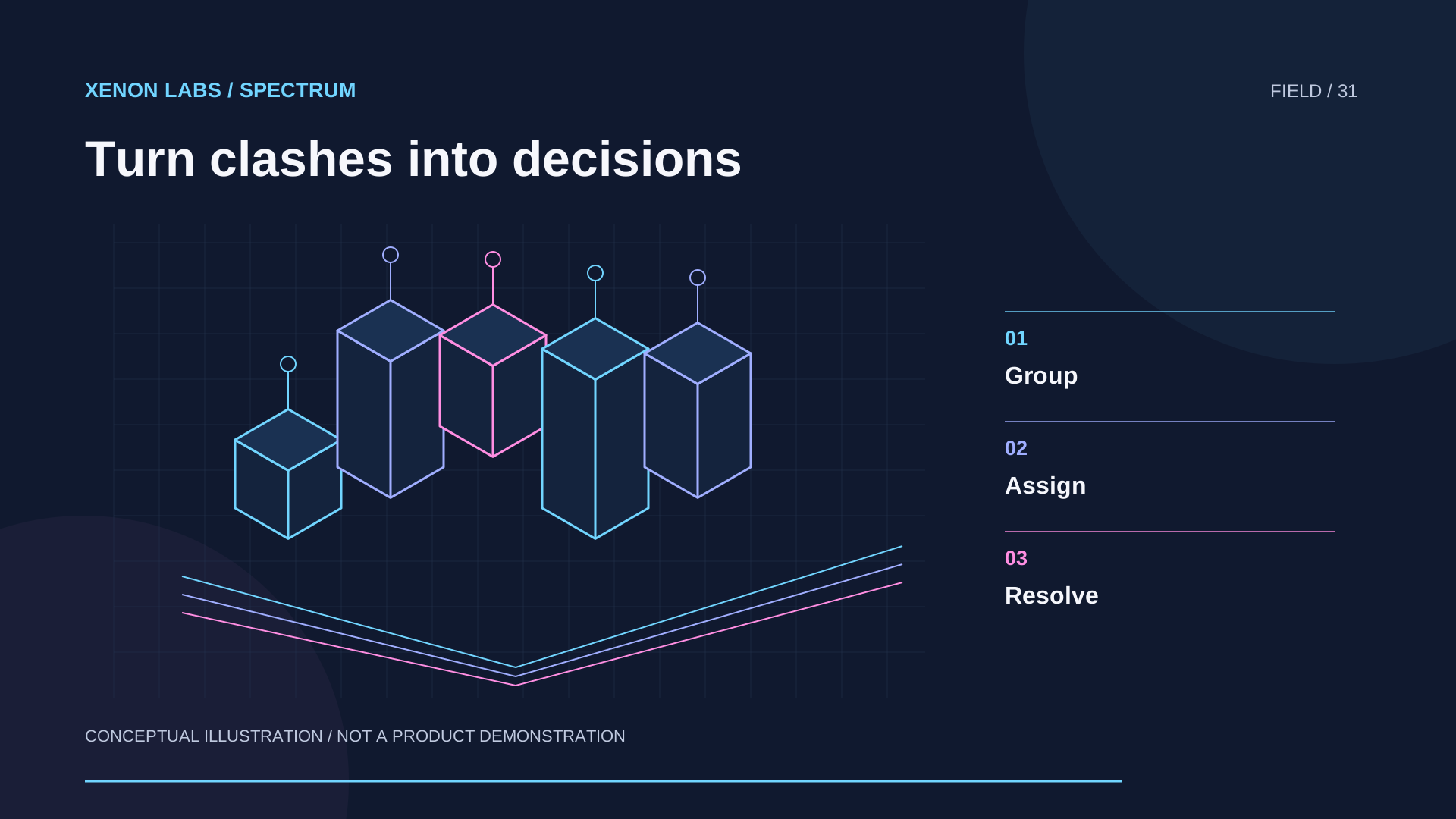
Group related issues, assign responsibility and record the decision.
“The model feels slow” is not an audit finding. This kit gives you a fixed set of 38 checks across nine categories – file and performance, warnings, families and content, imports and links, views and sheets, worksharing, coordinates and levels, standards, and hygiene and documentation – each with what to look at, why it matters and what to do. The scoring workbook weights each result, rolls it up to category and overall scores with plain status labels, flags failures that have no action, and logs metrics so you can compare audits over time.
Single-user license; firm license available. Full terms are in LICENSE.txt, included with the download.
The checks are written for Revit project models. Menu locations and some tool names differ between versions; checks that depend on version behavior are marked for checking in the guide. The workbook itself does not read Revit files.
$60 one time
Single-user license. Firm license $300 for everyone in one organization.
One-time price in USD. Download link by email immediately after checkout.
No. Example thresholds are starting points chosen to show the method. Set your own from your projects' history.
No. Every check can be done with standard Revit tools and observation. Scripts can speed up collection if you have them.
Yes. Add rows on the Audit sheet within the provided range and use an existing category name; category and overall scores include them.
It depends on the model and the auditor's familiarity. Time your first few audits and use that as your own estimate.
Free guide
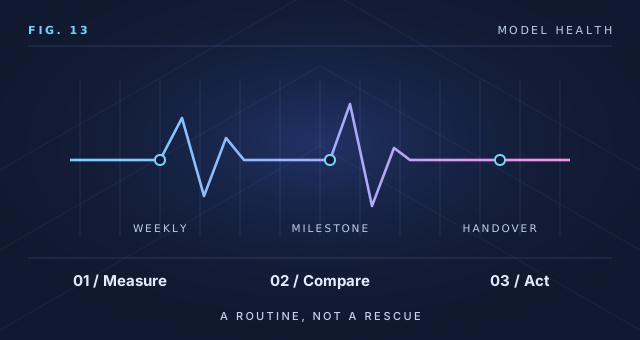
A practical routine of Revit model health checks: warnings, imported CAD, purging, in-place families, groups, views, links, worksharing and file size, with a weekly and milestone rhythm.
Free guide
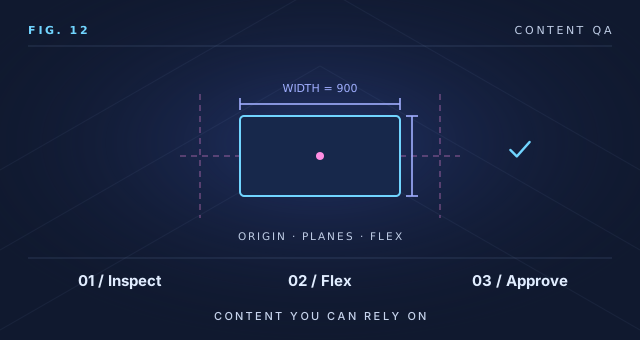
A practical Revit family QA checklist covering category, origin, reference planes, visibility, parameters, flexing, hosting, performance and approval before a family enters the library.
Downloads are delivered right after checkout: you receive a receipt and a private download link by email. Links stay valid for 7 days and 5 downloads; email support@xenonlabs.ltd for a fresh one.
Each PDF is issued to the purchasing organization. Its document properties record the license, order reference and usage terms; printing is enabled and editing is restricted. Editable templates (CSV, Markdown, Excel) arrive unlocked for internal adaptation. Sharing outside your organization is not permitted.
Prices are in US dollars (USD). Taxes may apply. All sales are final and no refunds are given; see our refund policy. Buyers in the EU, EEA or United Kingdom are shown a withdrawal-right notice before checkout. Use of the resources is covered by our terms of service.
Offered by Xenon Labs LLC. This product is independent and is not affiliated with or endorsed by Autodesk.
Before checkout / Revit Model Health Audit Kit: Buy now – $60
All sales are final. Xenon Labs does not offer refunds. Tell us where you are buying from so we can show the notice that applies to you before you continue to checkout.
Before checkout / Revit Model Health Audit Kit: Buy now – $60
Consumers who buy online in the European Union, the European Economic Area or the United Kingdom normally have 14 days to withdraw from a contract without giving a reason (the cooling-off period). That right does not apply to digital content that is not supplied on a tangible medium once supply has begun with the consumer’s prior express consent and acknowledgement that the right is lost. This exception is set out in Article 16(m) of Directive 2011/83/EU on consumer rights, as implemented in each member state, and in regulation 37 of the UK Consumer Contracts (Information, Cancellation and Additional Charges) Regulations 2013.
This product is digital content that is not supplied on a tangible medium. Supply begins when your private download link is made available to you after payment.
By selecting “I agree, continue to checkout” you:
If the checkout asks you to confirm the same consent and acknowledgement, you must confirm it there as well. Your order confirmation email records your consent and acknowledgement. Payment may be processed by our checkout partner acting as merchant of record; its checkout terms also apply.
If you are buying for a business rather than as a consumer, the consumer withdrawal right does not apply and all sales are final. Nothing in this notice limits rights that cannot be excluded by law, including your remedies if the digital content is faulty or not as described.
Before checkout / Revit Model Health Audit Kit: Buy now – $60
Xenon Labs digital products and subscriptions are final sale. No refunds, credits or exchanges are given, including for change of mind, accidental or duplicate purchases, or dissatisfaction. You may cancel a subscription at any time to stop future renewal charges; cancellation does not create a refund. See our refund policy and terms of service.
Nothing in this notice limits rights that cannot be excluded under the law that applies to you.
Before checkout / Revit Model Health Audit Kit: Buy firm license – $300
All sales are final. Xenon Labs does not offer refunds. Tell us where you are buying from so we can show the notice that applies to you before you continue to checkout.
Before checkout / Revit Model Health Audit Kit: Buy firm license – $300
Consumers who buy online in the European Union, the European Economic Area or the United Kingdom normally have 14 days to withdraw from a contract without giving a reason (the cooling-off period). That right does not apply to digital content that is not supplied on a tangible medium once supply has begun with the consumer’s prior express consent and acknowledgement that the right is lost. This exception is set out in Article 16(m) of Directive 2011/83/EU on consumer rights, as implemented in each member state, and in regulation 37 of the UK Consumer Contracts (Information, Cancellation and Additional Charges) Regulations 2013.
This product is digital content that is not supplied on a tangible medium. Supply begins when your private download link is made available to you after payment.
By selecting “I agree, continue to checkout” you:
If the checkout asks you to confirm the same consent and acknowledgement, you must confirm it there as well. Your order confirmation email records your consent and acknowledgement. Payment may be processed by our checkout partner acting as merchant of record; its checkout terms also apply.
If you are buying for a business rather than as a consumer, the consumer withdrawal right does not apply and all sales are final. Nothing in this notice limits rights that cannot be excluded by law, including your remedies if the digital content is faulty or not as described.
Before checkout / Revit Model Health Audit Kit: Buy firm license – $300
Xenon Labs digital products and subscriptions are final sale. No refunds, credits or exchanges are given, including for change of mind, accidental or duplicate purchases, or dissatisfaction. You may cancel a subscription at any time to stop future renewal charges; cancellation does not create a refund. See our refund policy and terms of service.
Nothing in this notice limits rights that cannot be excluded under the law that applies to you.